How to Make a Football Quiz From a Matchday Photo
By PlayFutbol Data Team · · 3 min read
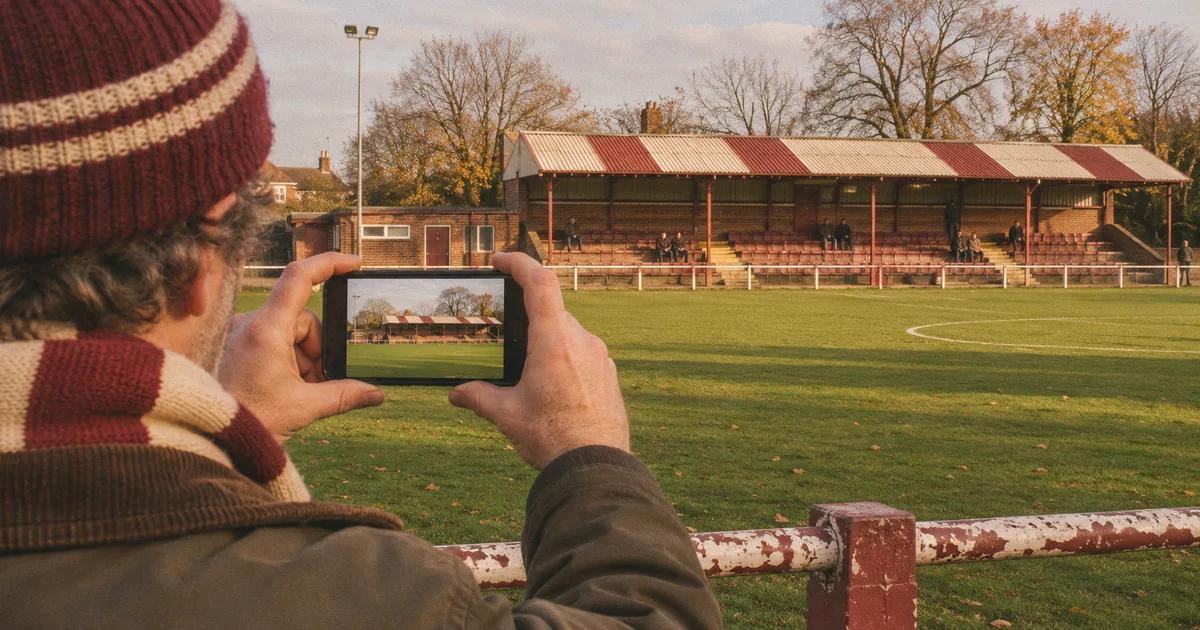
You could walk past this object every Saturday and still struggle to name it from the picture below. That makes it a good opening question for a half-time quiz. Take a guess, then try making one from a photo on your own phone.
What would you find at the ground?
Look at where the paint has worn away and how the steel bars meet. What piece of matchday machinery are you looking at?
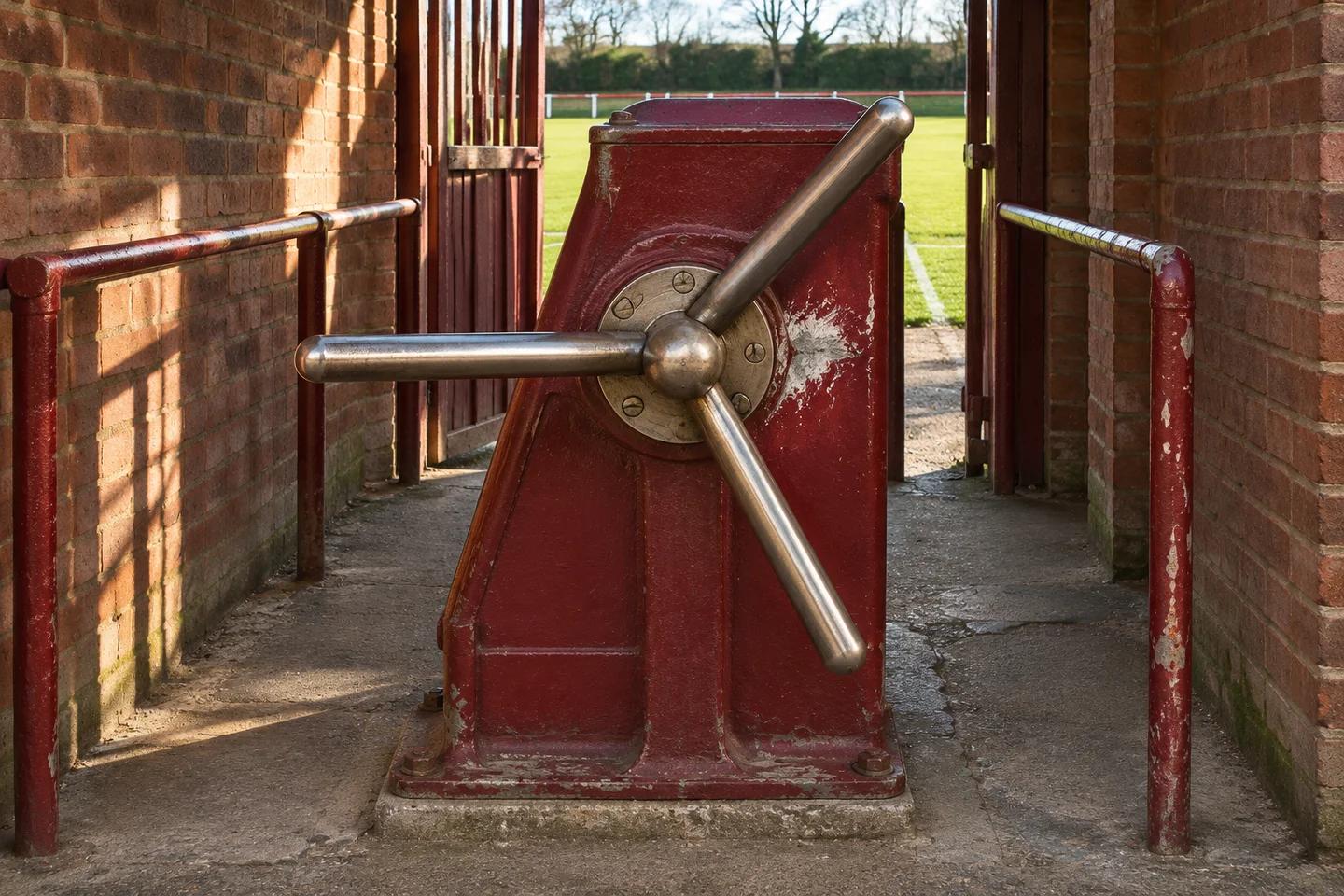
Reveal the answer and the full picture
A turnstile. The bars rotate around a hub as each fan passes through. Pull back and you can see the narrow brick passage that funnels the queue towards it, with the pitch just beyond.
Find a detail that gives someone a chance
On your next walk around the ground, look for an object you could recognise by touch. A corner flag has a sleeve that slips over the pole. A goal net has a row of fastenings where it meets the frame. Photograph the whole object first. You can choose how much to give away later, and you already have the answer picture.
Try two crops. In the sample round, a patch of scratched red paint on its own could belong to a seat, a gate or a tea urn. Move the frame just far enough to include the joint and a player can reason their way to the answer. The same idea works in Guess the Badge, where the outline of a shield can survive even when its lettering is too blurred to read.
Get the photo into your quiz
Open the original in the editor you use for your quiz. If an iPhone photo ends in .heic and your slide editor refuses it, select the file in HEICHub, choose Convert to PNG and download the copy. Insert that PNG into your first slide, duplicate the slide, then crop the picture on the first one. That leaves the wide view ready for the reveal.
For a group chat, export the crop as its own image and give it a neutral filename such as round-one.png. Send it to a friend at the size everyone else will see. Ask which detail gave them their answer. If they had to zoom in to see the seam on the flag or the knot in the net, crop closer around that detail before kick-off.
Keep the wide shot for after everyone has guessed. Half the pleasure is seeing a bit of metal turn back into a place you know.
About this article
The cover and the sample round use AI-generated illustrations of a fictional football ground. The clue and its reveal show two views of the same illustration.